A rainy-day reaction
Build a quiet mood around the person’s change in attention.


AI GENJUTSU MOTION GUIDE
Loading history…
Use a familiar lunch scene as the setup for an understated reaction. Your person photo becomes the identity reference; the built-in video carries the eating, look toward the window and curtain gesture. A rainy café is one visual direction you can explore around that fixed action.
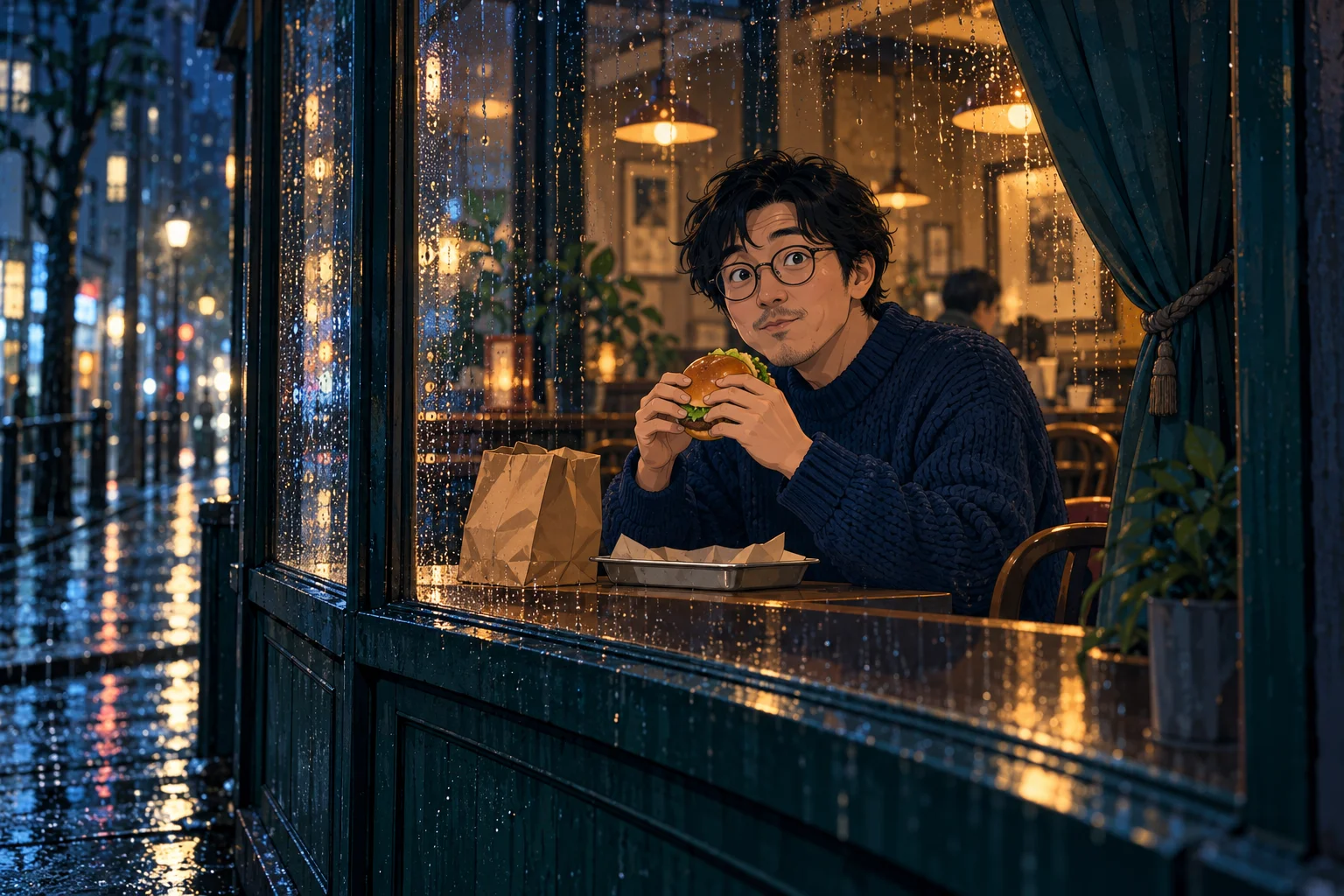
Rain on the window can establish an exterior viewpoint and a quiet mood. It should not become the main event. The reaction needs a readable face, burger and table; dense reflections over all three would make the action harder to follow.
This concept uses indigo clothing and a modest café interior. The familiar environment gives the glance a small surprise. Keep the action grounded in the supplied reference instead of adding a transformation, an explosion or a second character.
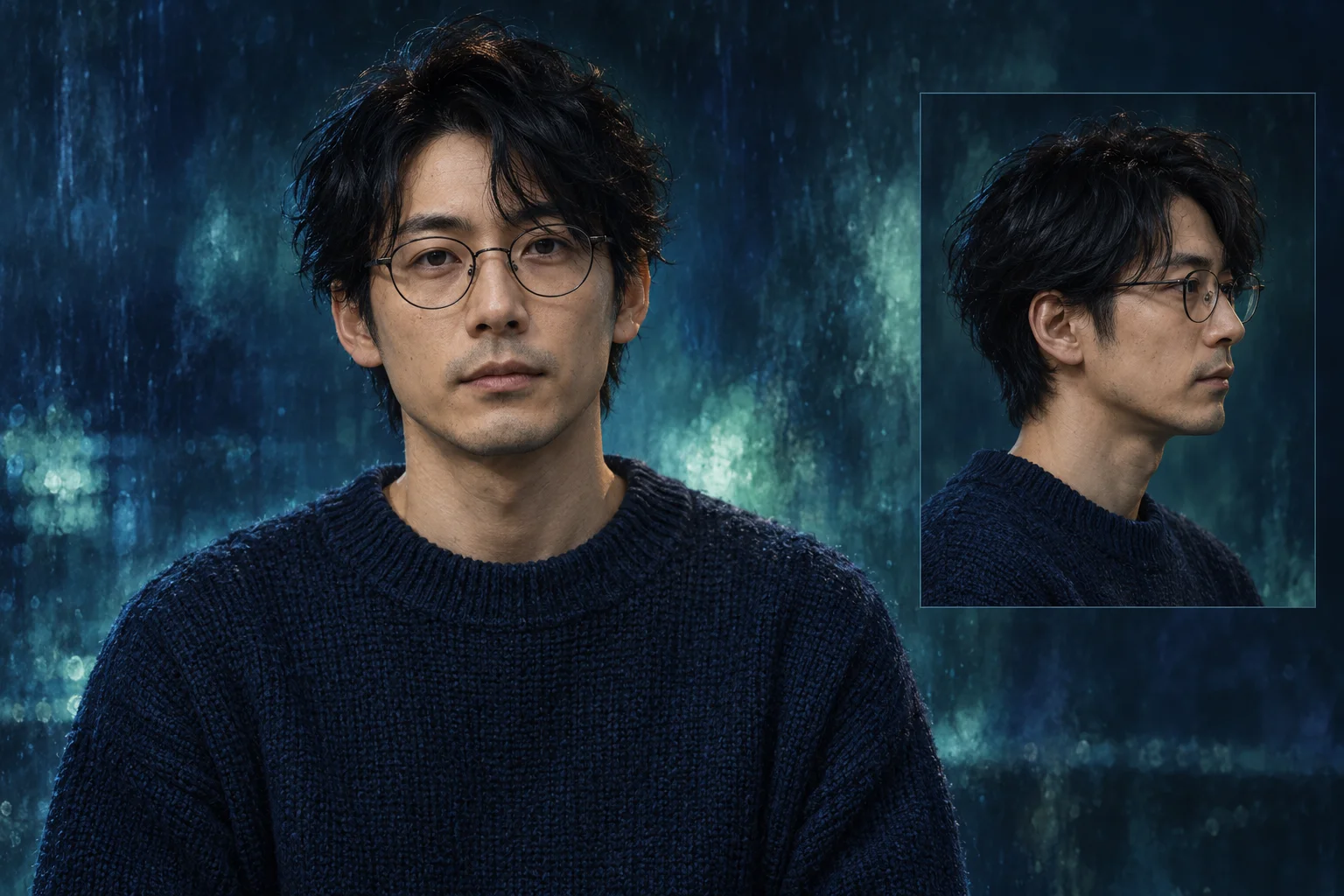
Use a well-exposed person photo even if the final scene should feel dark or rainy. A heavily filtered face can hide the features you want to preserve. If the person wears spectacles, choose an image where glare does not obscure both eyes.
One image supplies the lead identity. The scene does not require a photograph of a burger or a window, and there is no custom-motion upload. Avoid submitting a collage with several faces when a single clear reference would communicate the person more directly.
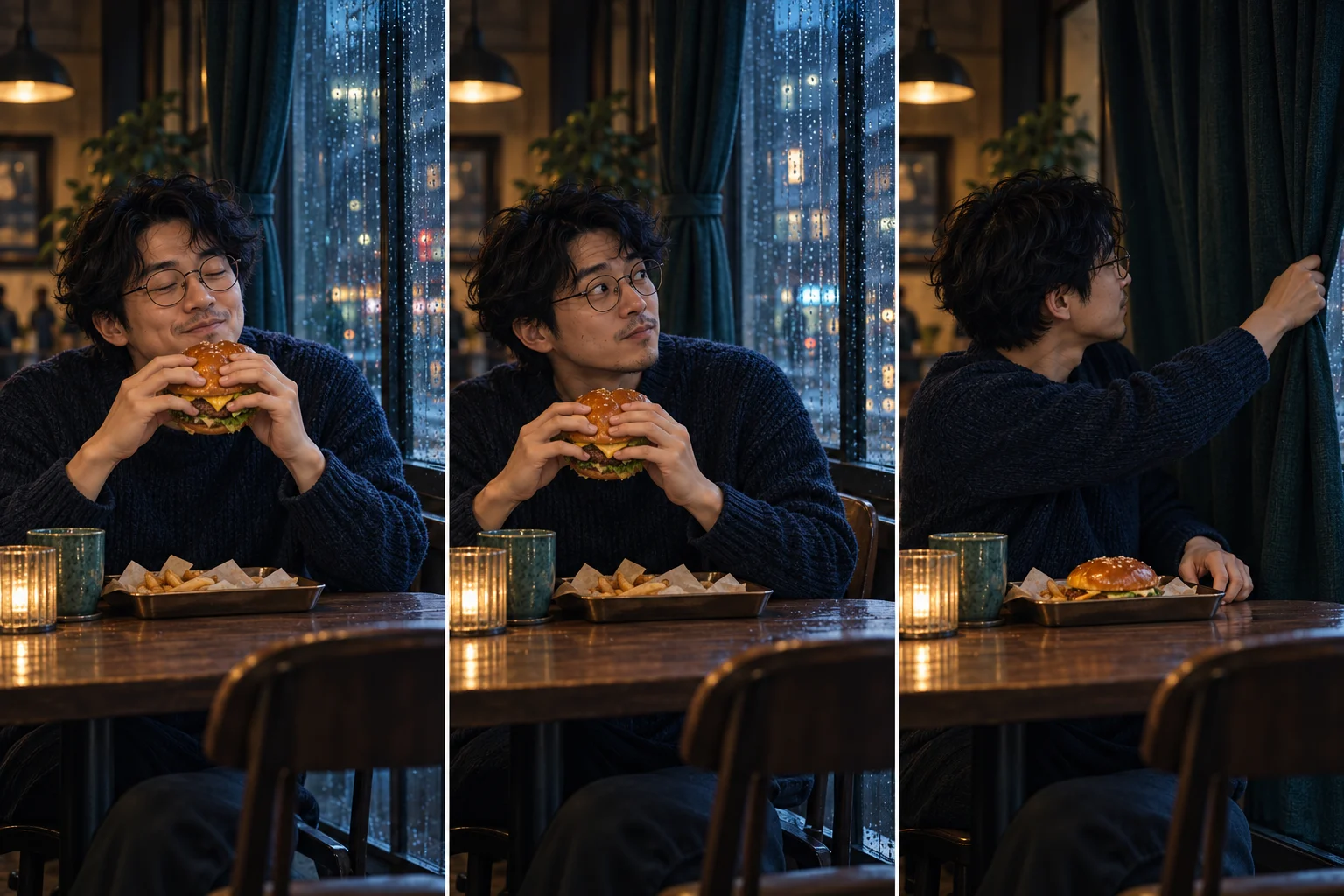
Try: “A compact rainy-night café, indigo sweater, soft interior light and a restrained surprised glance.” The note describes a treatment, while the fixed video remains the guide for movement. Keep the window, tabletop and curtain relationship intact.
Leave exact signage and tiny packaging text out of the request. They add another source of visual error without improving the reaction. If a first take feels busy, reduce the scene detail before asking for more elaborate camera movement.
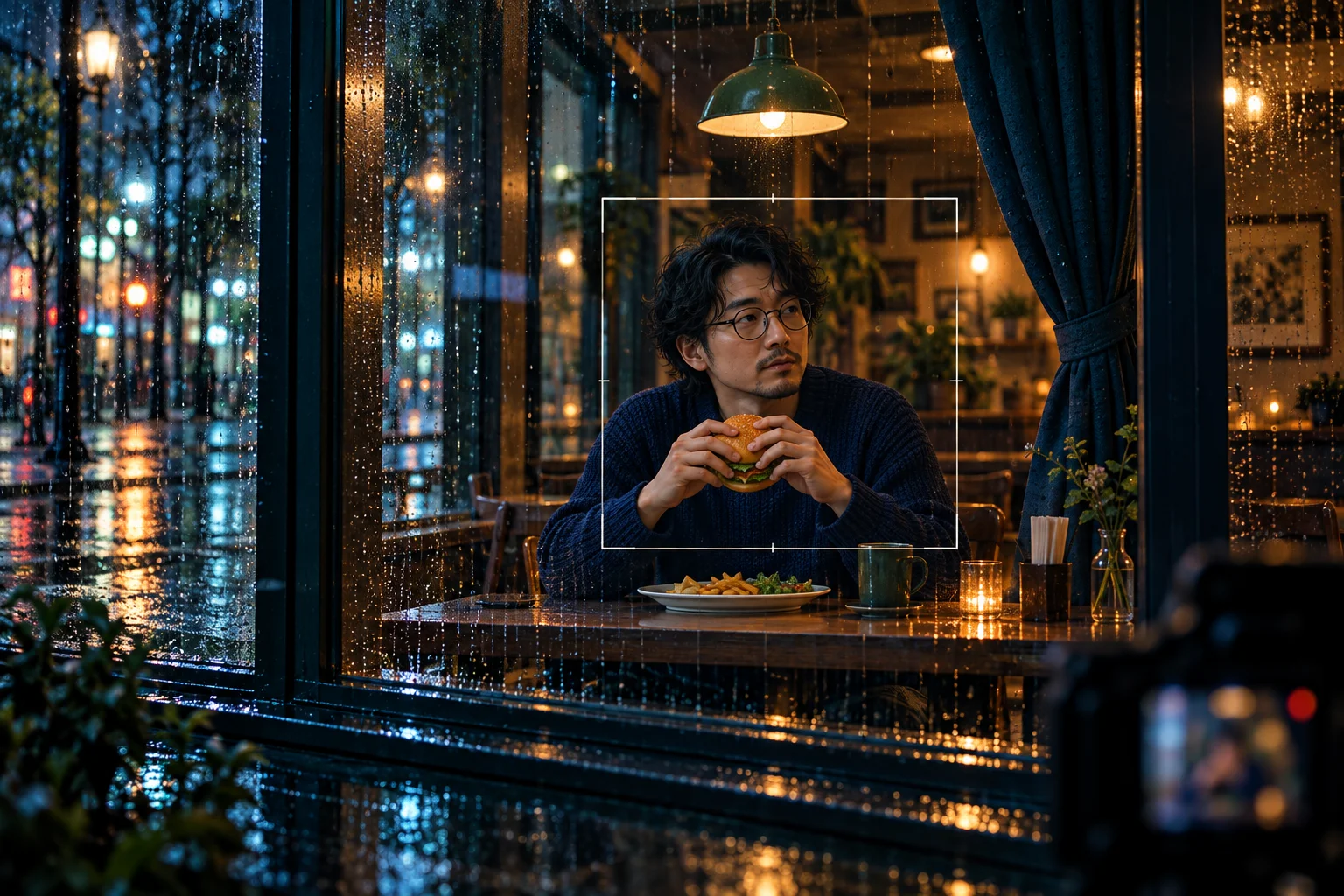
Review the hands around the burger and the face through any reflections. Then watch the reach toward the curtain. The character should remain understandable as the scene changes, even if the generated details do not match the preview exactly.
Save a coherent result in History and download it when ready. This effect is a fixed reaction workflow; the separate Genjutsu workspace serves a different visual goal. Choose that other page if you want its dedicated transformation rather than changing this action into something else.
Build a quiet mood around the person’s change in attention.
Show an everyday habit before the small interruption at the window.
Compare color and lighting ideas without replacing the core motion.
A single person photo is required. The window-side motion reference is fixed by this page, so you do not need to supply a video.
That is not this effect’s purpose. It uses the photo for identity within the diner reaction. Use the appropriate separate effect for a transformation request.
No. Rain is a creative direction in this guide. You can request another compatible atmosphere, while the supplied action remains the motion guide.
The current model is available with purchase access and sufficient credits. Check the form’s live quote and account status; this page does not promise free or unlimited generation.
The configured clip length is 14 seconds. Processing is not tied to that number and varies with the queue; follow the status in History.
No generated take is guaranteed to preserve every detail. Start with a clear photo and inspect the face, spectacles, hands and window reflections in the final clip.
aigenjutsu.com · Updated