1. Choose your starting mode
Use Text to Video to describe a new dancer and setting. Select Image to Video when you want to begin with a particular person. The upload field belongs to the photo mode; your text-only idea needs no reference image.


One performer. A playful knock-and-step rhythm.
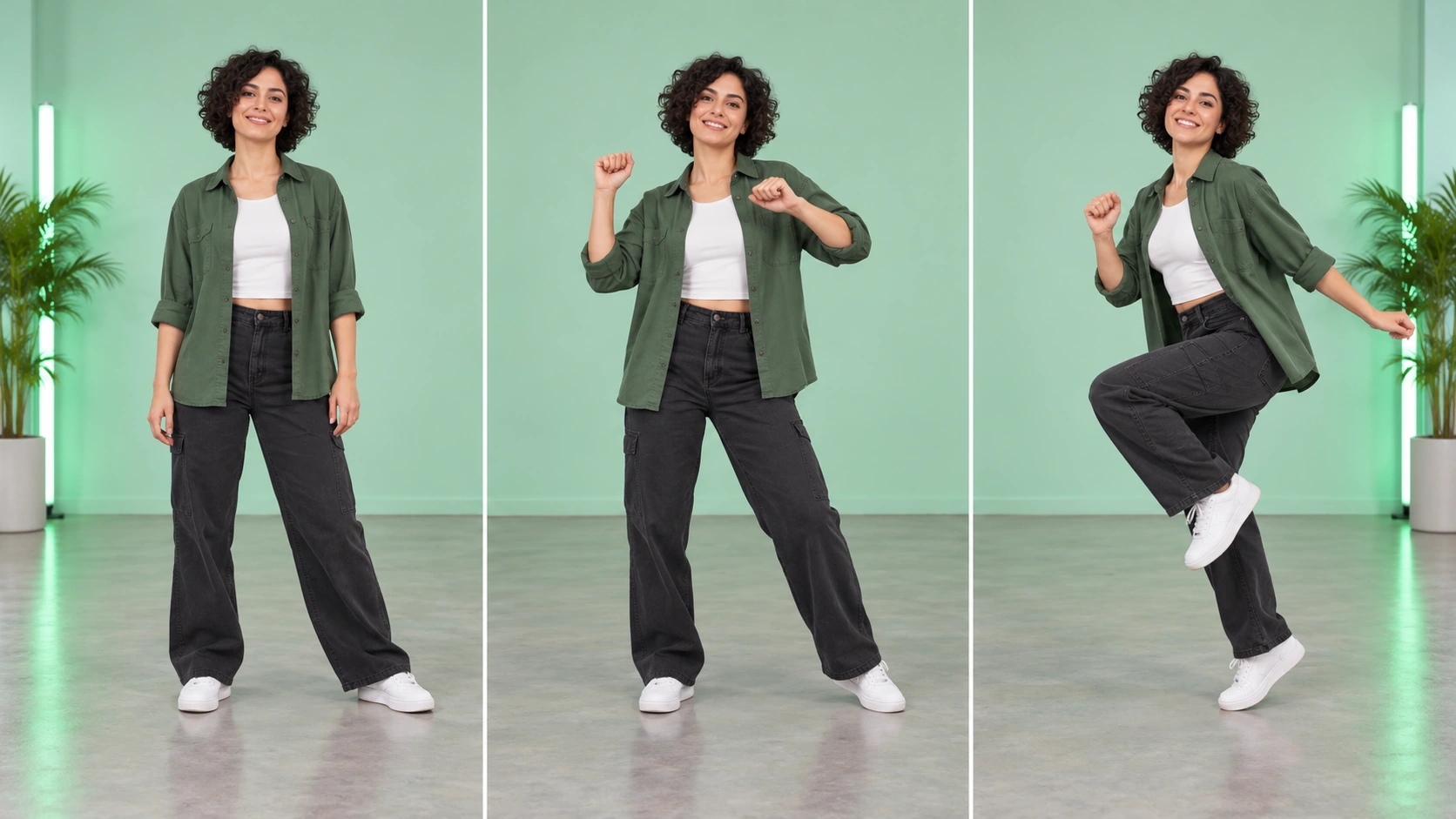
Watch the hand position, spacing and return to the starting pose. Choose one movement idea from the reference and describe it in your own prompt; a steady camera helps you judge the full sequence.
Loading history…
Create a short dance clip built around knocking hand gestures, light hops and side steps. Start with Text to Video for a new performer, or choose Image to Video to animate someone from a clear full-body photo. Give the movement room, set the mood, and review the credit quote before you generate.
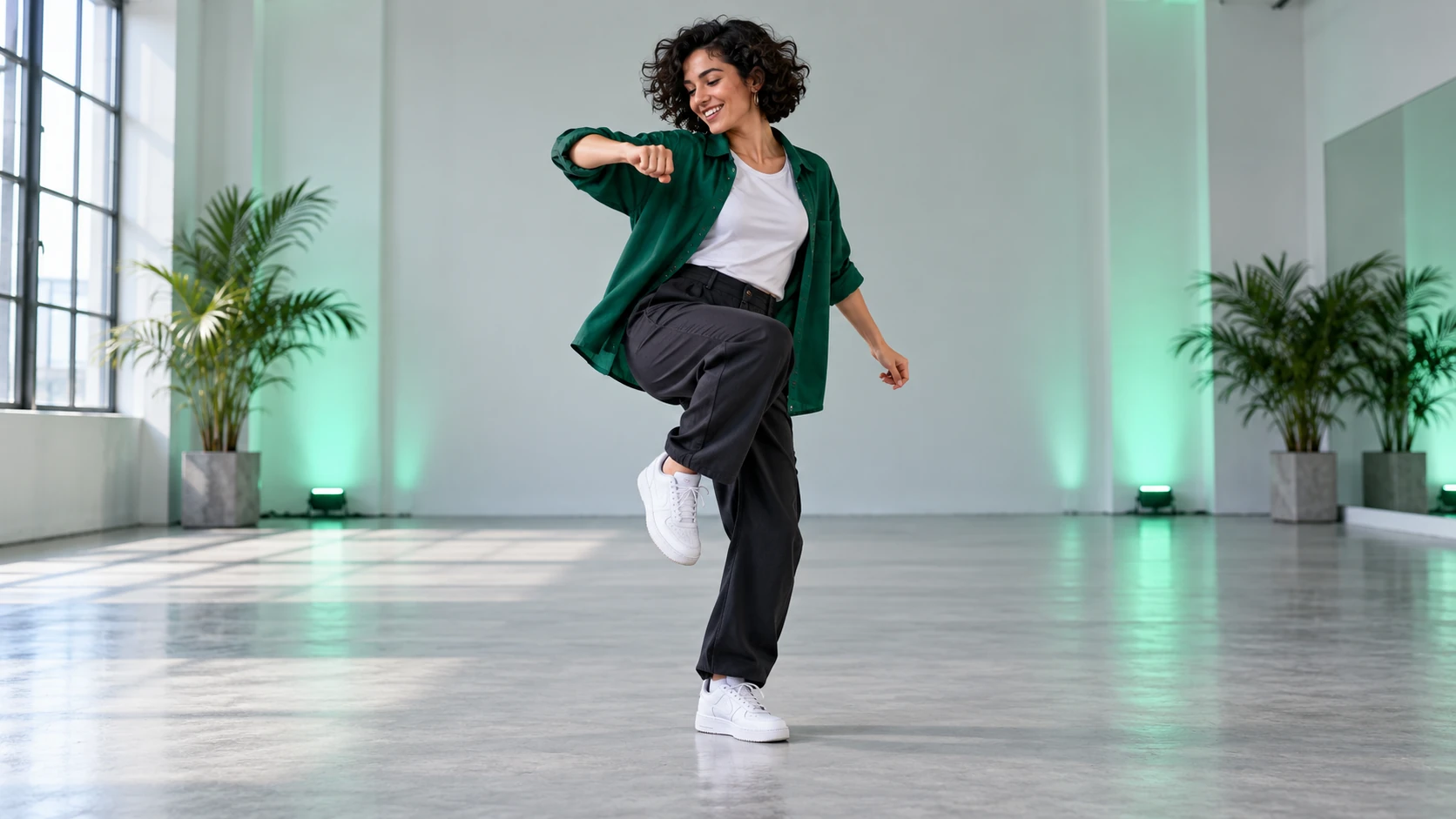
Use Text to Video to describe a new dancer and setting. Select Image to Video when you want to begin with a particular person. The upload field belongs to the photo mode; your text-only idea needs no reference image.
Describe the order in plain language: raise the hands, alternate a knocking gesture, make two light hops, then step to the side. A short sequence is easier to judge than a long list of unrelated movements.
Choose the available aspect ratio, length and resolution that suit your edit. A vertical frame works for a solo clip when the whole body fits inside it. Read the current credit quote, then start generation.
Check the hands, balance and foot placement through the whole clip. If a gesture is unclear, simplify that part of the prompt before trying another take. Keep the version that is readable on a phone.
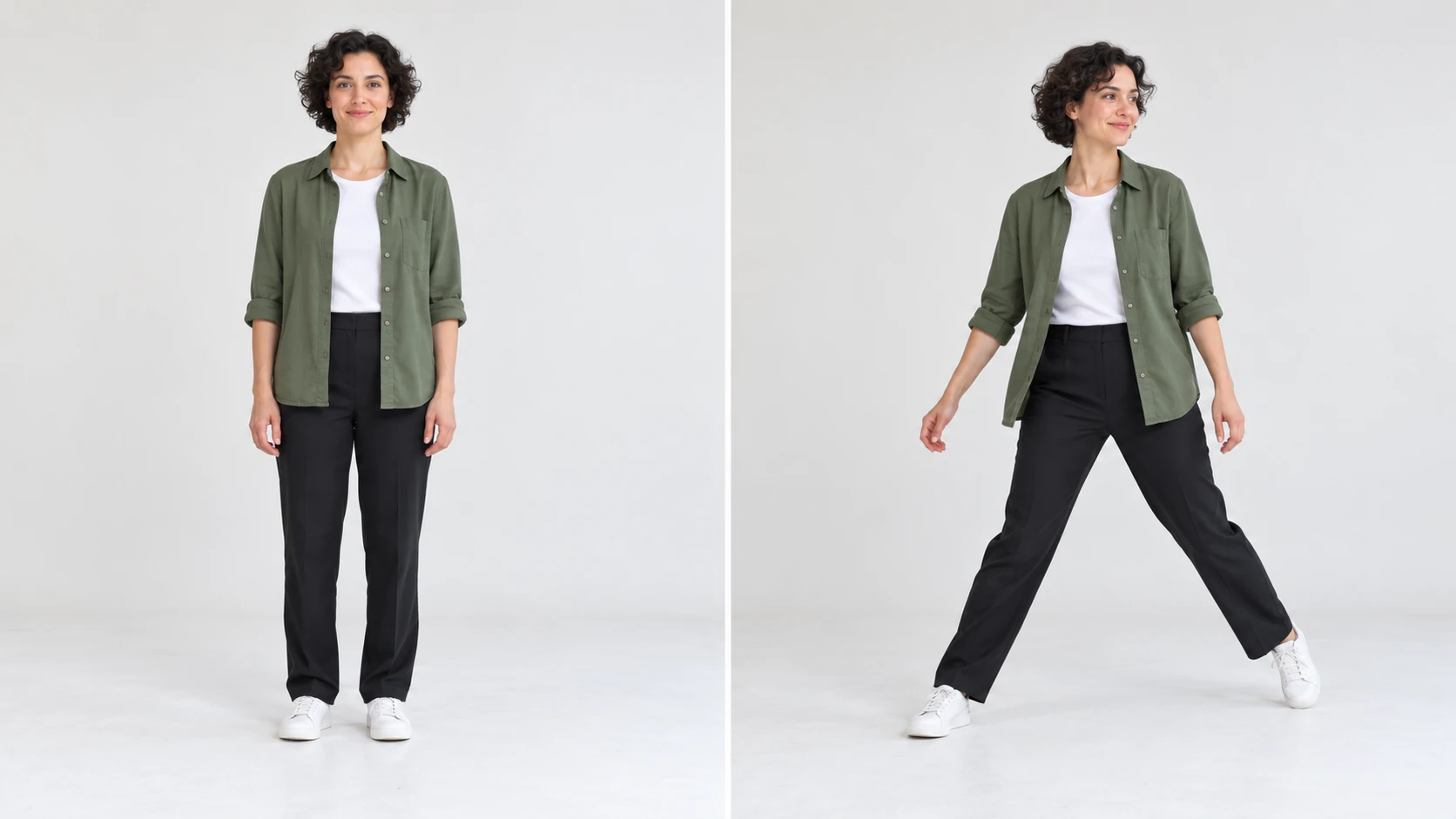
In Image to Video, use one clear photo of a single adult, with the face, hands and both feet visible. A relaxed front-facing pose, even light and a simple background make a useful starting point. Leave a margin around the body; a tightly cropped selfie gives little room for footwork.
If your selected model offers Start/End Frame Mode, upload two images: the opening frame first and the final frame second. Use it to guide the beginning and ending of a shot. For a single-photo animation, stay in Image to Video; Text to Video uses no uploaded media.
Begin with a stationary full-body camera and one compact movement phrase. Once the hands and steps read clearly, change the setting or lighting while keeping the movement direction similar. This makes it easier to see which change improved the next take.
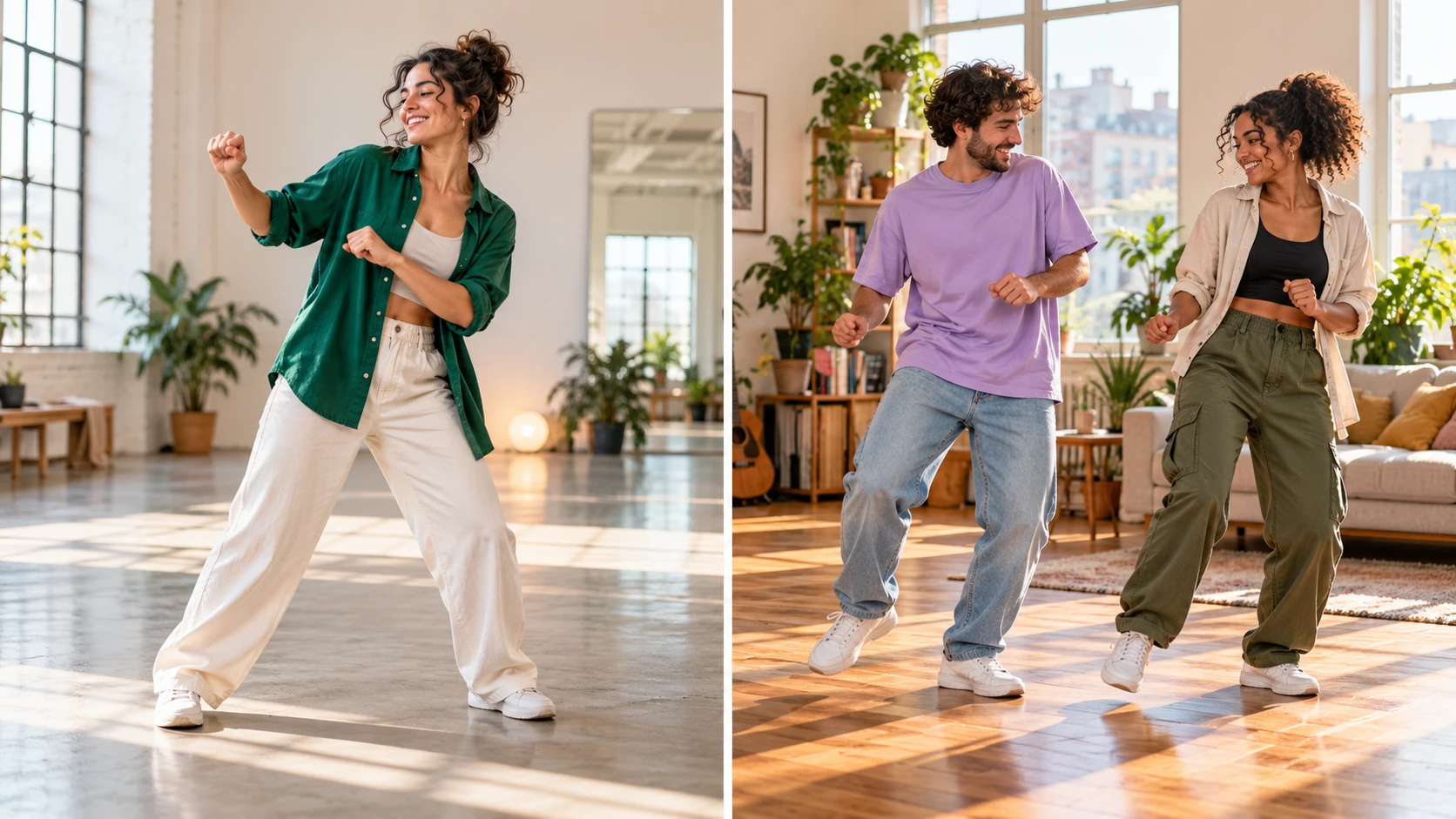
Use a familiar outfit and a short opening gesture for a character introduction or profile clip.
Keep the backdrop plain and the camera wide enough to watch balance and footwork.
Pair a clear knocking gesture with your own caption after you have reviewed the clip.
Preparing your prompt and exploring the guide does not spend generation credits. Sign in to see your current balance and whether your account includes any free or earned credits. The generator shows the credits required before you start a video job.
Use the live quote for the selected model and supported settings. Duration and resolution can change the total. Review the quote again after adjusting options, and compare current credit packages on Pricing if you need a larger balance.
Allow around three minutes as a starting estimate for this video workflow. The task in History shows its own estimated wait and current status. Queue conditions and settings can extend processing time; follow that task instead of submitting the same job again.
It creates a short dance video from written direction, with an optional starting photo. The Toc Toc idea here centers on knocking hand gestures, small hops and side steps. You decide the performer, setting and movement sequence.
You can explore this guide and prepare the prompt before generating. Video jobs use the credits displayed by the generator. Sign in to check whether your account has available free or earned credits, and review Pricing if you need more.
Choose Image to Video and upload one clear full-body adult photo with the hands and feet visible. For Text to Video, upload nothing and describe the dancer in the prompt.
The live quote shows the credits required for your selected model, duration, resolution and other supported settings. Check that quote before each generation; Pricing shows the current purchase options.
Allow around three minutes as a starting estimate for the video model used here, then follow the estimate and status shown in History. Queue time and selected settings can change the wait. Clip length is separate from processing time.
The video follows the movement described in your prompt, so gestures and timing can vary between takes. Describe the part you want to emphasize. No specific song or exact choreography is bundled with this page.
Keep the body fully in frame, ask for fewer movements and use a steady camera. Review where the motion becomes unclear, then change that instruction instead of rewriting every part at once.
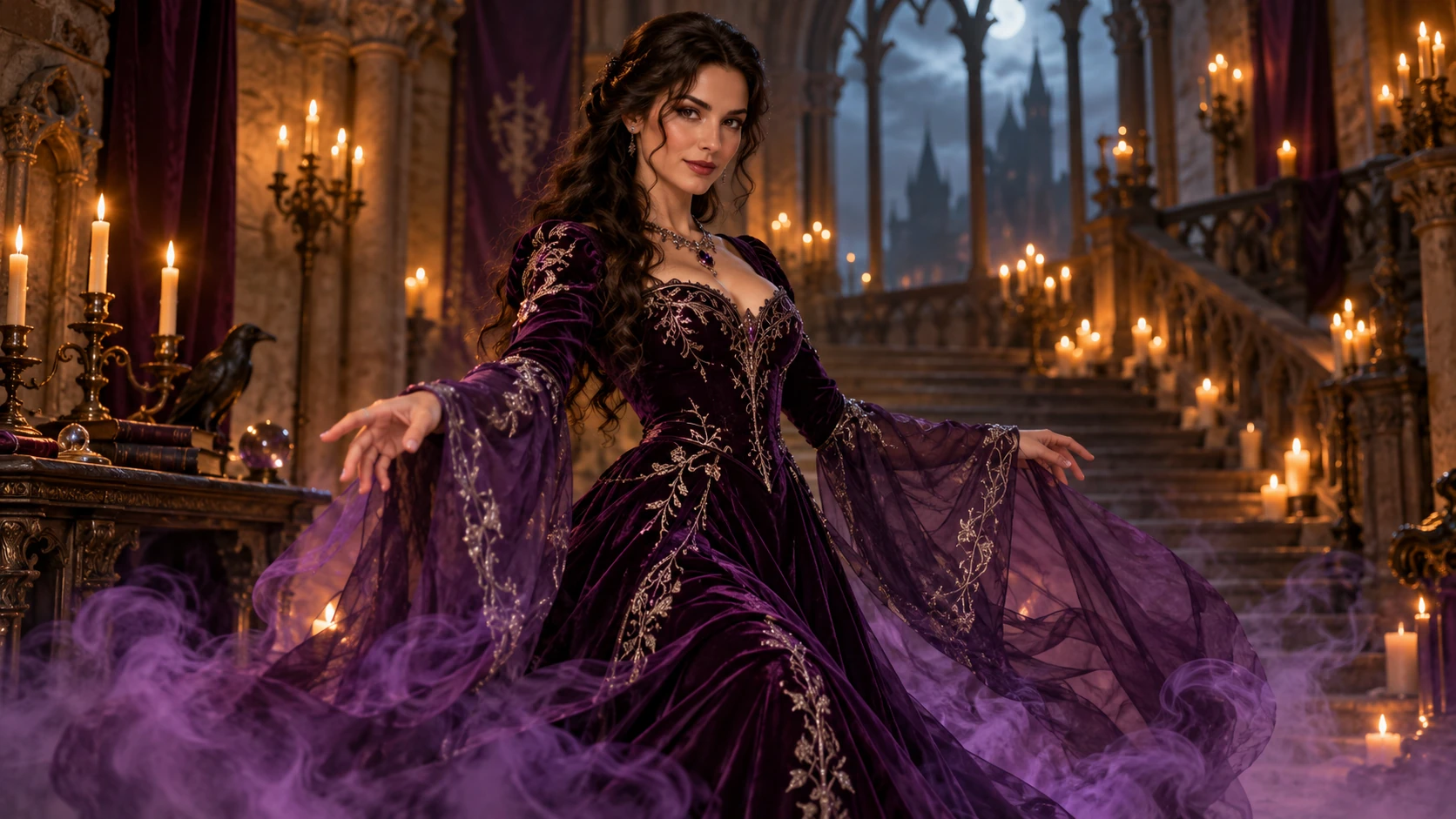
Plan a before-and-after character transformation.
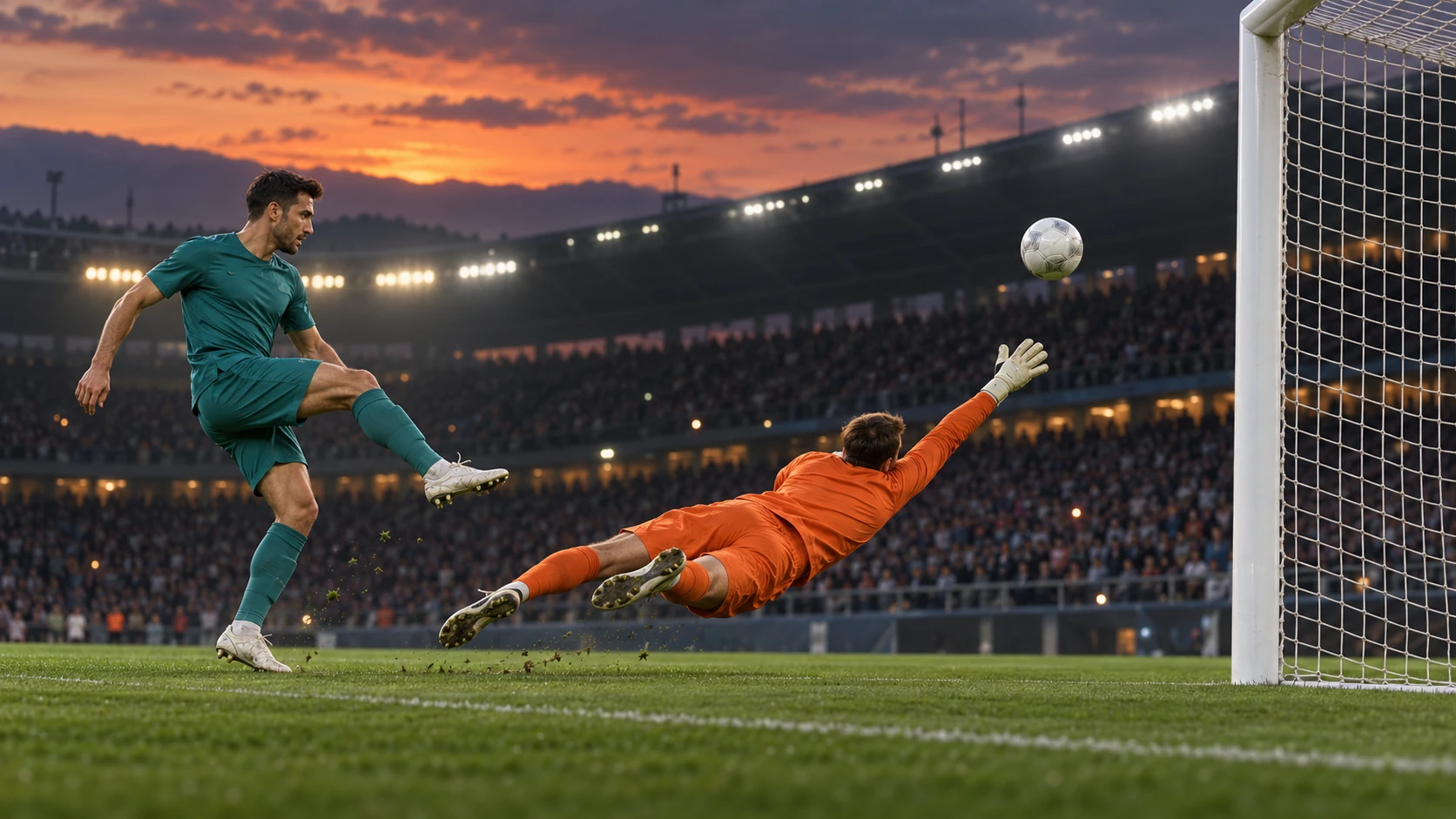
Direct the approach, lifted touch and ball path.
Choose another video workflow for your next scene.
Review current credit packages before starting another take.
aigenjutsu.com · Updated