1. Choose text or a player photo
Use Text to Video when the whole scene should come from your description. Choose Image to Video for a particular person, then add one clear adult portrait. You do not need to perform the kick in the source photo.


Set up the approach. Lift the ball. Hold the finish.
Follow the ball from the final approach step through the lifted touch. Notice the space between the player and goalkeeper, then use those relationships to make your own scene easier to describe.
Loading history…
Create your own football scene around a delicate chipped finish over an advancing goalkeeper. Use Text to Video for a new player, or Image to Video to begin with a portrait. Describe one approach, one touch and a clear ball path so the goal stays readable.
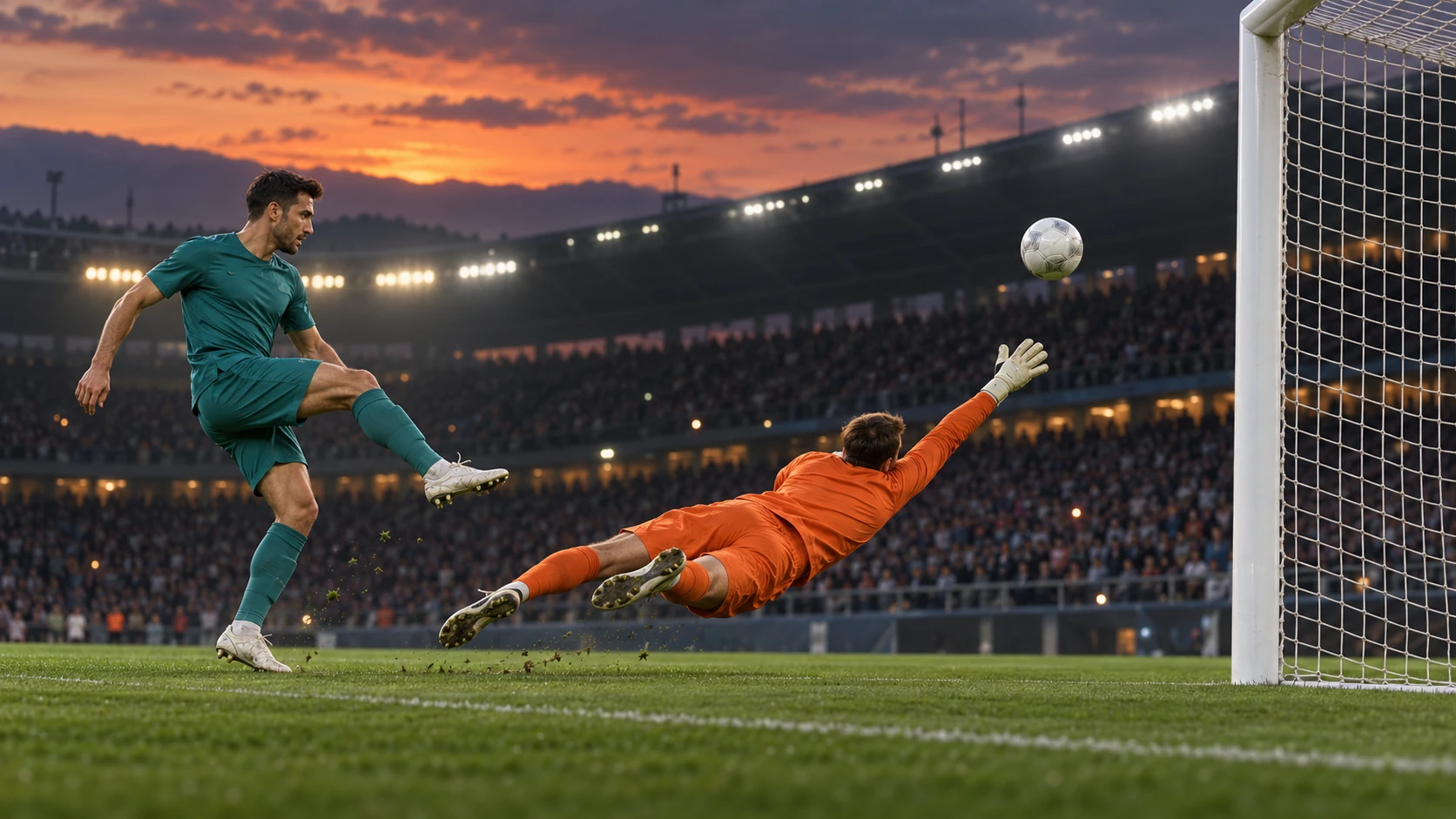
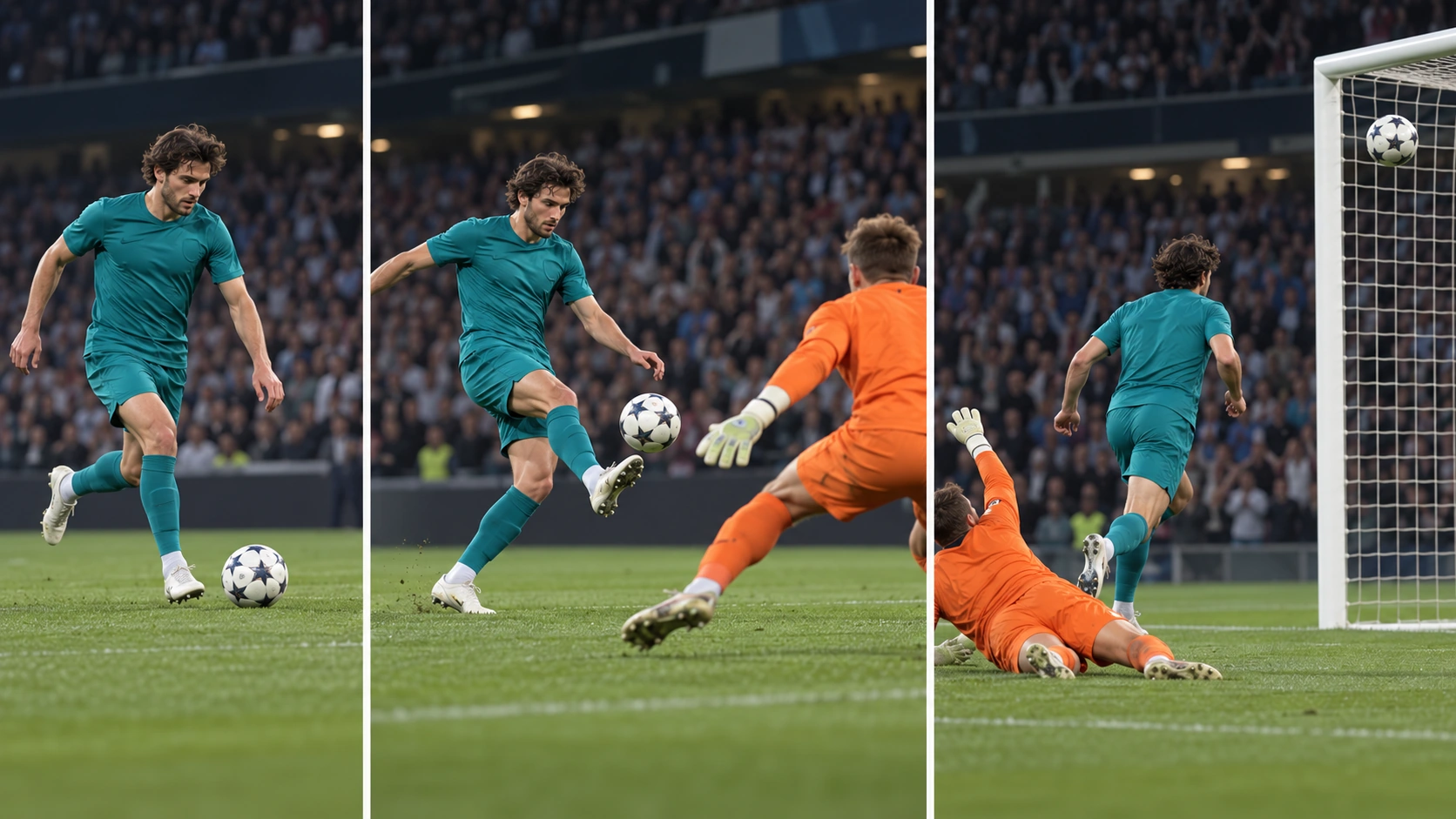
Use Text to Video when the whole scene should come from your description. Choose Image to Video for a particular person, then add one clear adult portrait. You do not need to perform the kick in the source photo.
Name the player position, the advancing goalkeeper and the lifted touch. Keep the scene short: a few approach steps, one contact with the ball, then a visible arc toward goal.
Start with a side-on or three-quarter view that includes the player, ball and goal. Choose supported duration, aspect ratio and resolution, then review the live credit quote before generating.
Open the finished clip in History and follow the ball throughout. Inspect the kicking foot at contact, the goalkeeper position and the direction of the arc. Revise a specific action or framing instruction for the next take.
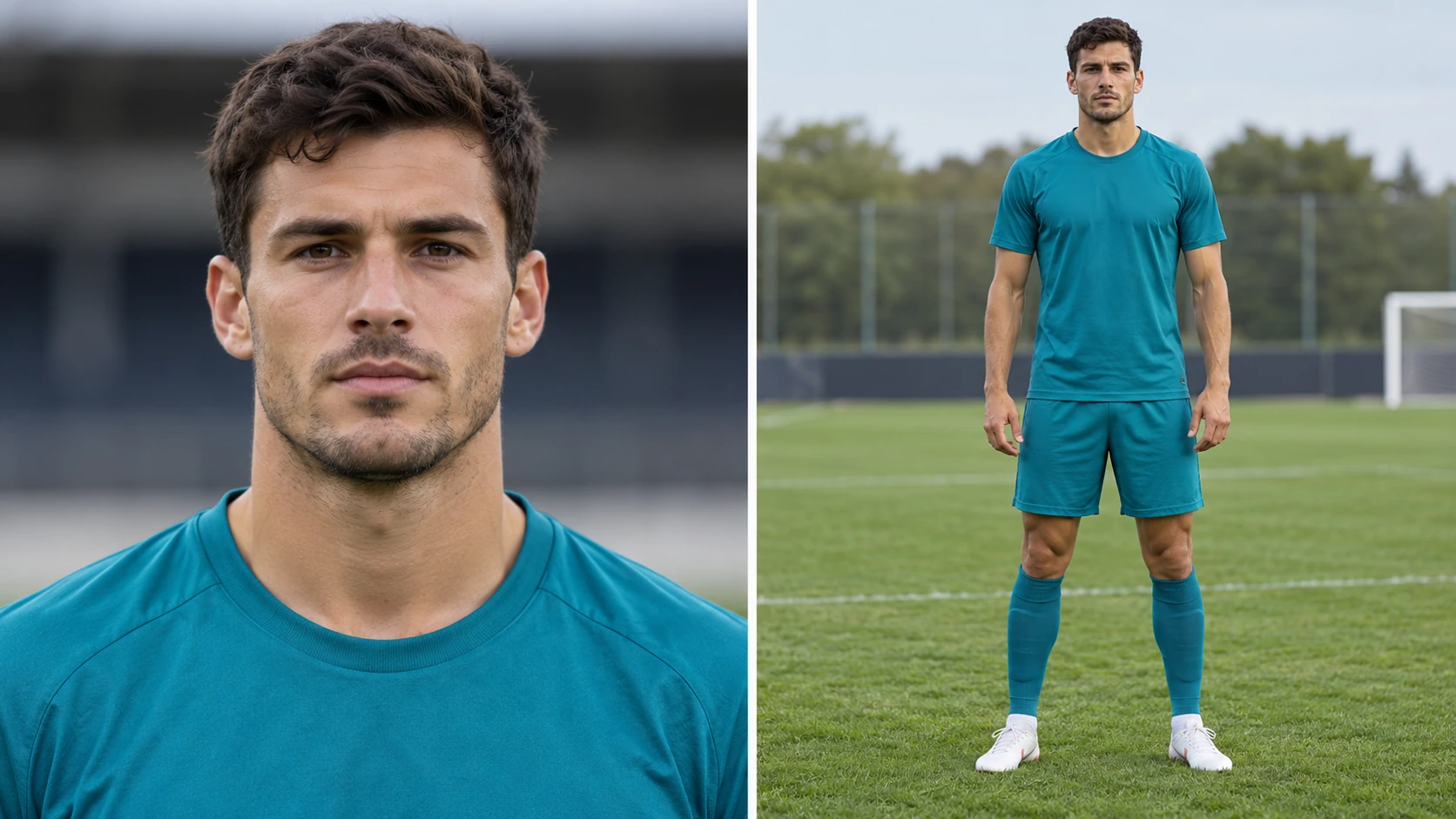
For Image to Video, use a sharp photo of one adult with a clearly visible face. A neutral expression and even lighting make a useful identity reference. A full-body image can also establish the outfit and proportions; the written prompt supplies the approach, kick and goalkeeper scene.
If your selected model offers Start/End Frame Mode, upload two images: the opening frame first and the final frame second. Use it to guide the beginning and ending of a shot. For a single-photo animation, stay in Image to Video; Text to Video uses no uploaded media.
A successful football shot needs a legible relationship between the foot, ball and goal. Begin with a steady angle and one lifted touch. Once that sequence reads clearly, try a lower camera or a short slow-motion moment. Keep the ball in view instead of asking for rapid cuts across several angles.
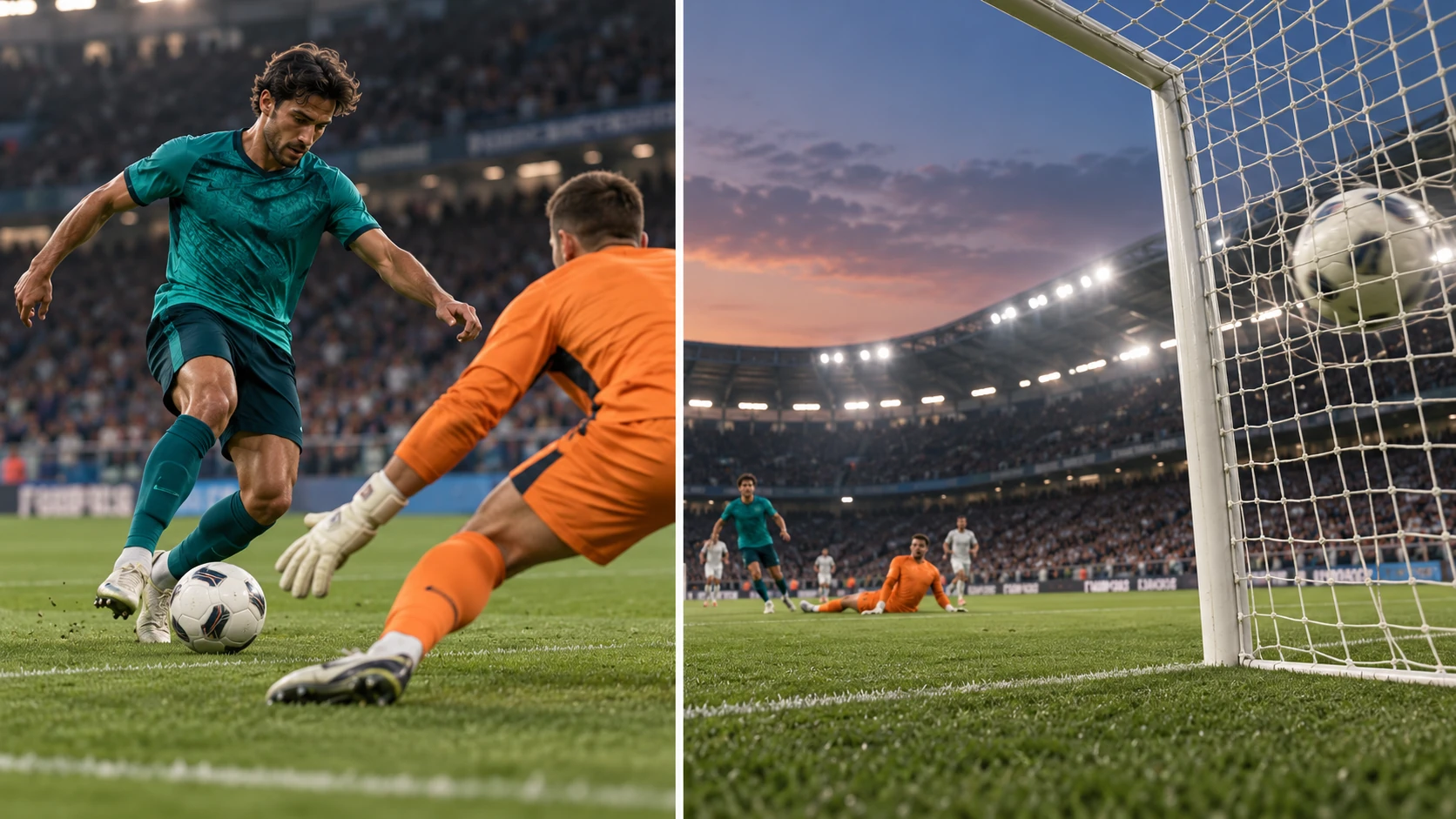
Use a quiet practice pitch and a wide sideline shot to emphasize contact and ball flight.
Build a short scene around your player reference, then add your own title in the final edit.
Ask for emphasis around the lifted touch while keeping the rest of the sequence simple.
Preparing your prompt and exploring the guide does not spend generation credits. Sign in to see your current balance and whether your account includes any free or earned credits. The generator shows the credits required before you start a video job.
Use the live quote for the selected model and supported settings. Duration and resolution can change the total. Review the quote again after adjusting options, and compare current credit packages on Pricing if you need a larger balance.
Allow around three minutes as a starting estimate for this video workflow. The task in History shows its own estimated wait and current status. Queue conditions and settings can extend processing time; follow that task instead of submitting the same job again.
It creates an original football video around an Ozil-inspired chipped finish: a player approaches, lifts the ball over an advancing goalkeeper and sends it toward goal. The scene follows your prompt, with an optional player photo.
You can read the guide and prepare your scene before starting generation. Video jobs use credits. Sign in to see your available balance and any free or earned credits on your account; check Pricing for current purchase options.
In Image to Video, use one sharp adult portrait or a clear full-body player photo. A neutral pose is enough; describe the kick in the prompt. In Text to Video, do not upload an image.
Read the live quote after choosing your model and supported settings. Duration, resolution and other available options can change the required credits. The quote shown before submission is the amount to review for that take.
Allow around three minutes as an initial estimate, then follow the task estimate and status in History. Queue conditions and video settings can change processing time; a ten-second clip does not mean a ten-second wait.
You create a new football scene from your own direction. Use the chip-goal idea as the starting point and describe the camera, player and setting you want. This page does not supply an official match replay.
Simplify the sequence to one approach and one touch, keep a steady camera and ask for the ball to stay visible. Identify whether the problem is contact, flight or framing, then adjust that part of the direction.

Guide a performer through a compact dance sequence.

Plan a before-and-after character transformation.
Choose another video workflow for your next scene.
Review current credit packages before starting another take.
aigenjutsu.com · Updated