A stylized character entrance
Introduce an original character through a small, expressive action.


AI GENJUTSU MOTION GUIDE
Loading history…
Build a Dime Dime Baby AI scene around one recognizable character: dance with a sweet bun, take a small bite, pause toward the viewer and turn away. Upload a single image and describe a compatible visual mood. The party video below explains the sequence, while the new request uses your image and written instructions.
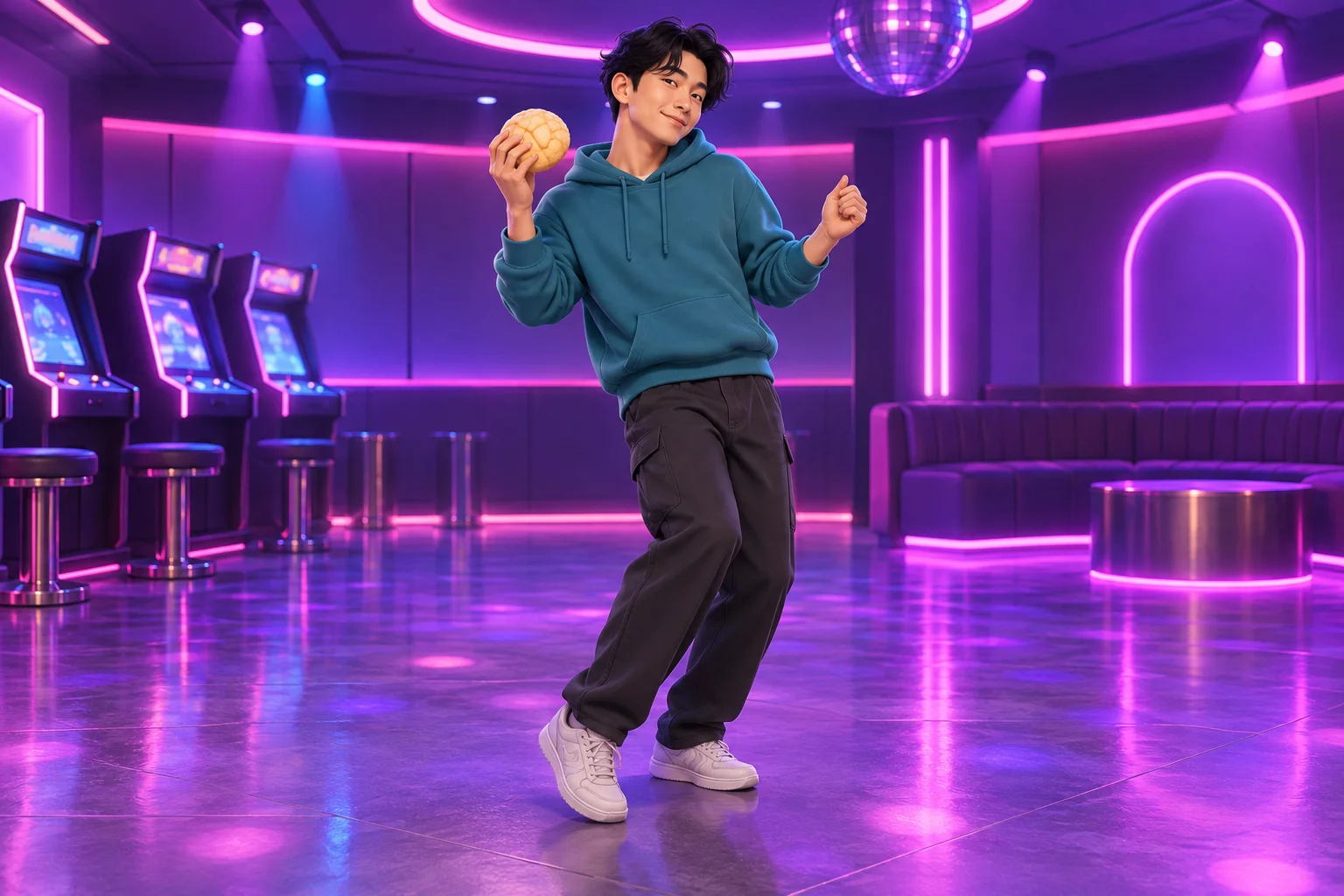
The interesting change is emotional rather than a costume transformation. A character begins with loose party movement and then holds a serious look. That contrast can read clearly even in a stylized arcade environment, provided the face remains visible.
Use the violet lighting as atmosphere, not as a reason to hide the eyes. A teal hoodie separates the performer from the room in this concept. The small bread prop gives the hands a clear purpose, while the pause gives viewers time to recognize the change in expression.
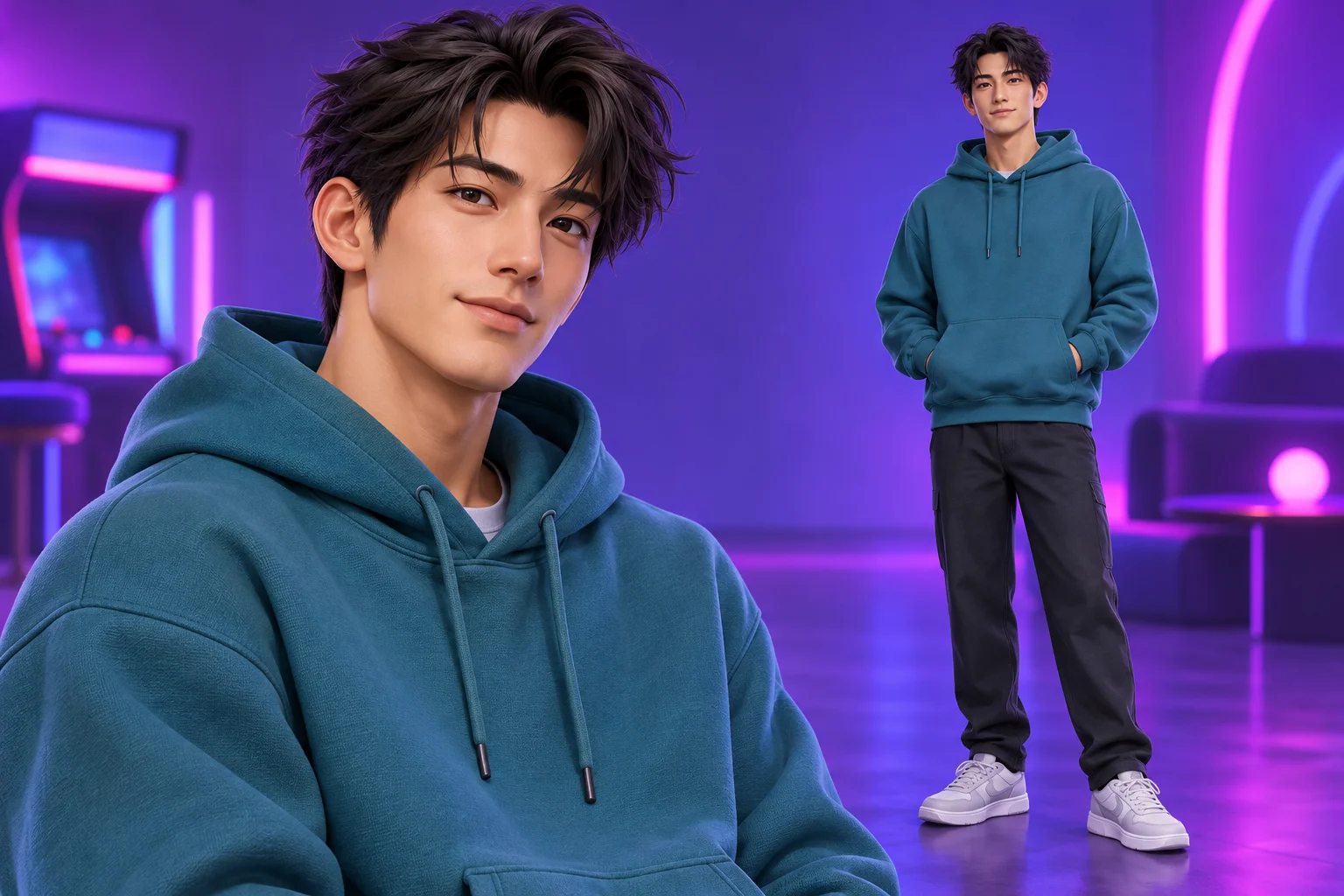
Select one image with a clean face and stable design. If you use an illustrated character, keep the proportions and outfit coherent within that image. Combining several views from unrelated designs can leave the model uncertain about which features belong together.
The input accepts one lead image, so it is not a character-sheet assembly tool. Avoid a collage of different people or several competing costume versions. A neutral pose is enough: the image establishes appearance, and the written action describes the movement you want to explore.
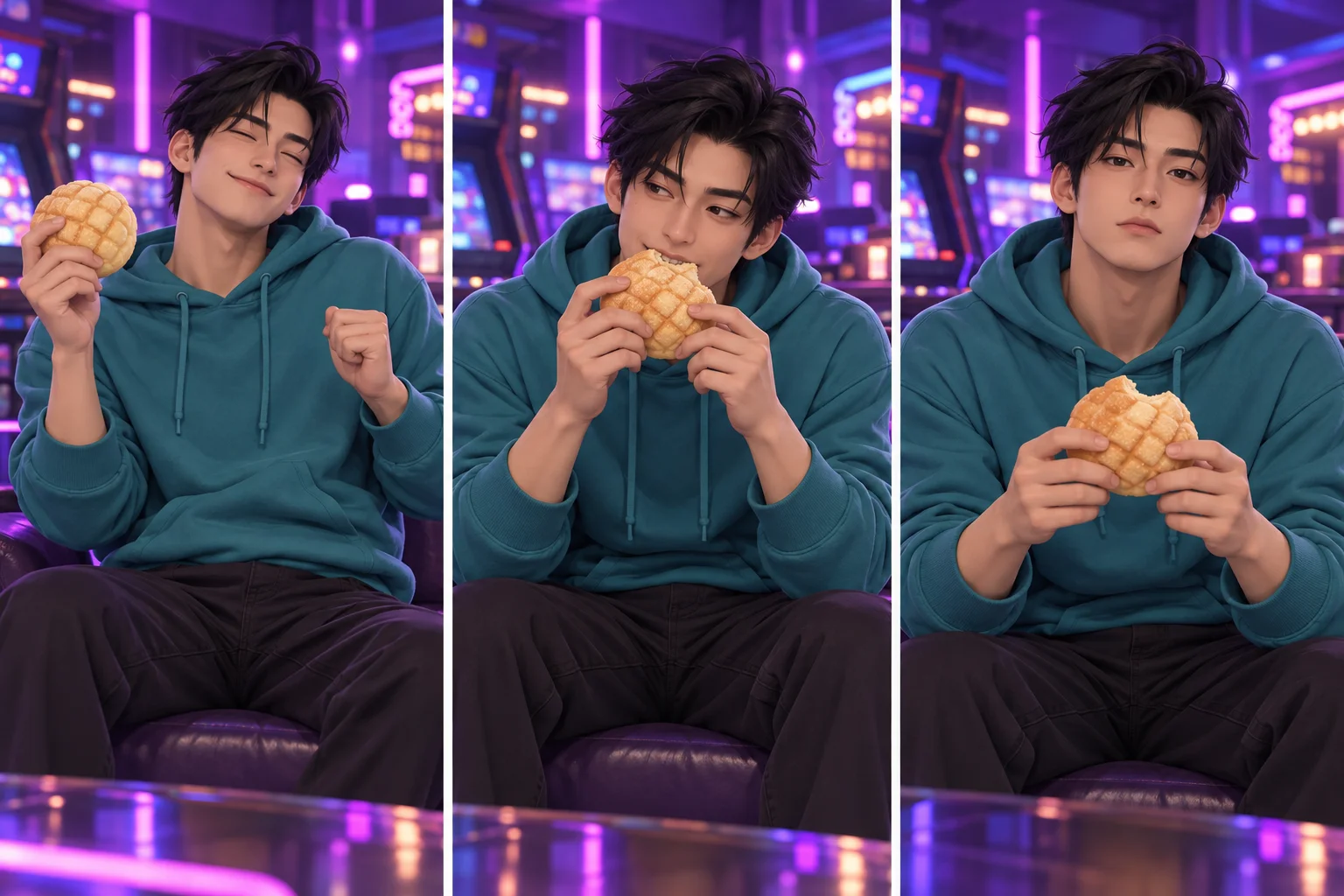
A useful additional direction is: “Violet arcade lighting, teal hoodie, a steady camera and an unobstructed face.” Leave readable game logos and dense signs out of the request. A simple environment can still feel distinctive through light, color and the shape of the room.
Do not describe a second choreography in the optional note. The scene already asks for a dance, bite, pause and exit. If you want a more restrained take, request smaller gestures rather than adding several camera moves. The demonstration remains a viewing aid; it is not a motion file attached to the model.
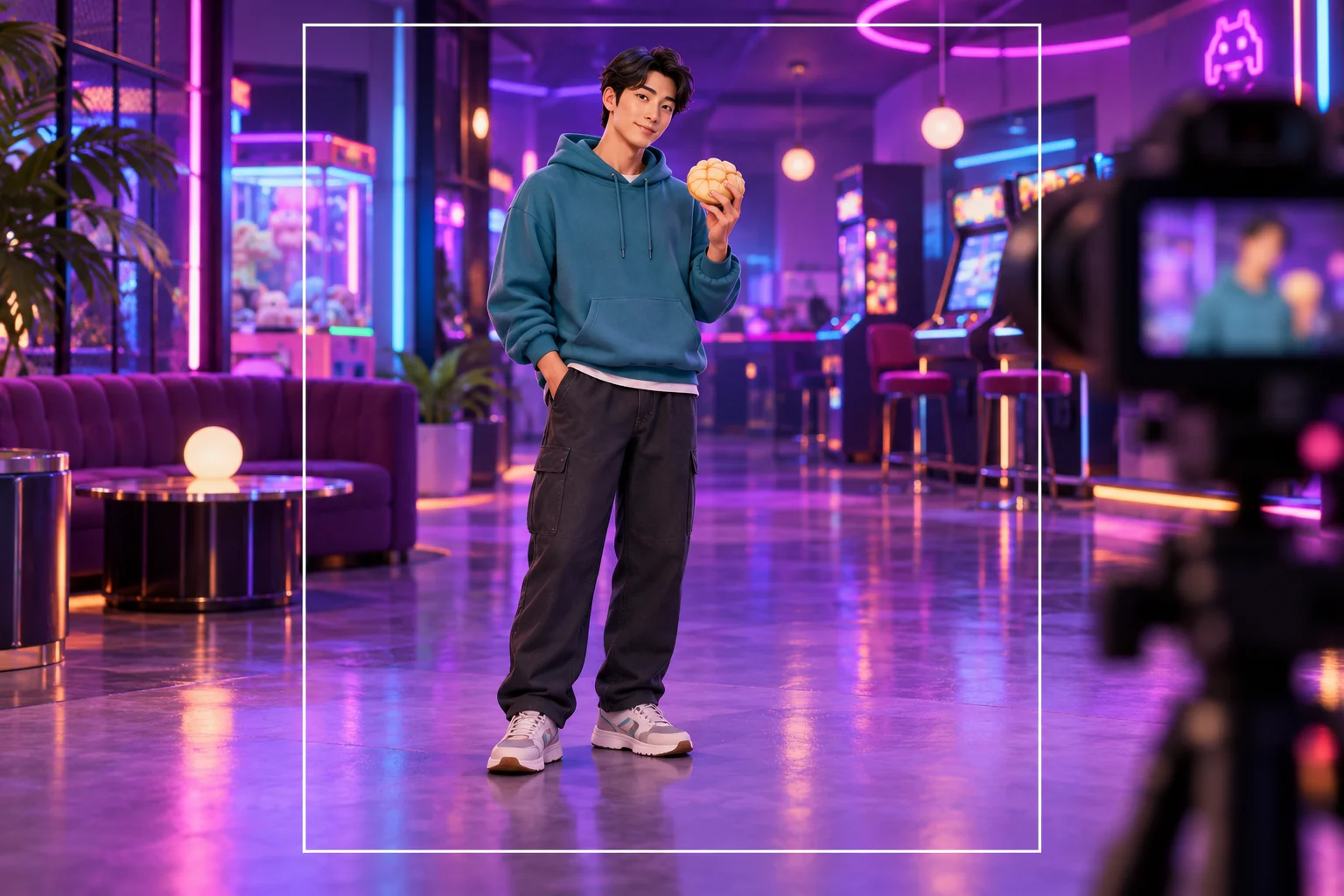
Compare the character at the beginning and during the camera stare. Check the hairstyle, eye shape, hoodie seams and body proportions. The result should feel like one continuous performance rather than several loosely related portraits joined by motion.
Also review the sweet bun and both hands. The bite should not become an extra prop, and fingers should remain understandable as the arm lowers. If the background competes with the face, simplify the next scene note. Save the take that tells the clearest story before adding any captions or soundtrack elsewhere.
Introduce an original character through a small, expressive action.
Set cheerful movement against a still, serious look without adding dialogue.
Explore a restrained palette around the same character and action plan.
Open the main character-video experience for a different transformation idea.
Develop a clearer outfit or visual direction before making a motion request.
Use the general workspace when you want a different action or composition.
Use a suitable single-person or original character image that communicates one clear identity. The result depends on how well the model interprets the design; inspect it rather than assuming exact preservation.
This page has one image slot and optional text. It does not offer a custom dance-video input, and the displayed demo is not sent as a motion reference.
No. The name identifies the scene concept. The guide uses an adult character in an arcade party setting.
No allowance is promised here. The current model requires purchase access and sufficient credits, with the live quote shown before generation.
There is no song-upload or licensed-track selector in this form. Add any music you are entitled to use during your own final edit; do not assume the scene request supplies that recording.
It sets the requested clip length. Rendering may take longer depending on the queue. History shows progress, and the generated timing can differ from the demonstration.
aigenjutsu.com · Updated