This fixed video supplies the dance and stage structure. Your uploaded image supplies the central lead appearance.
History
Video history
Loading history…
An original anime lead with a readable stage silhouette
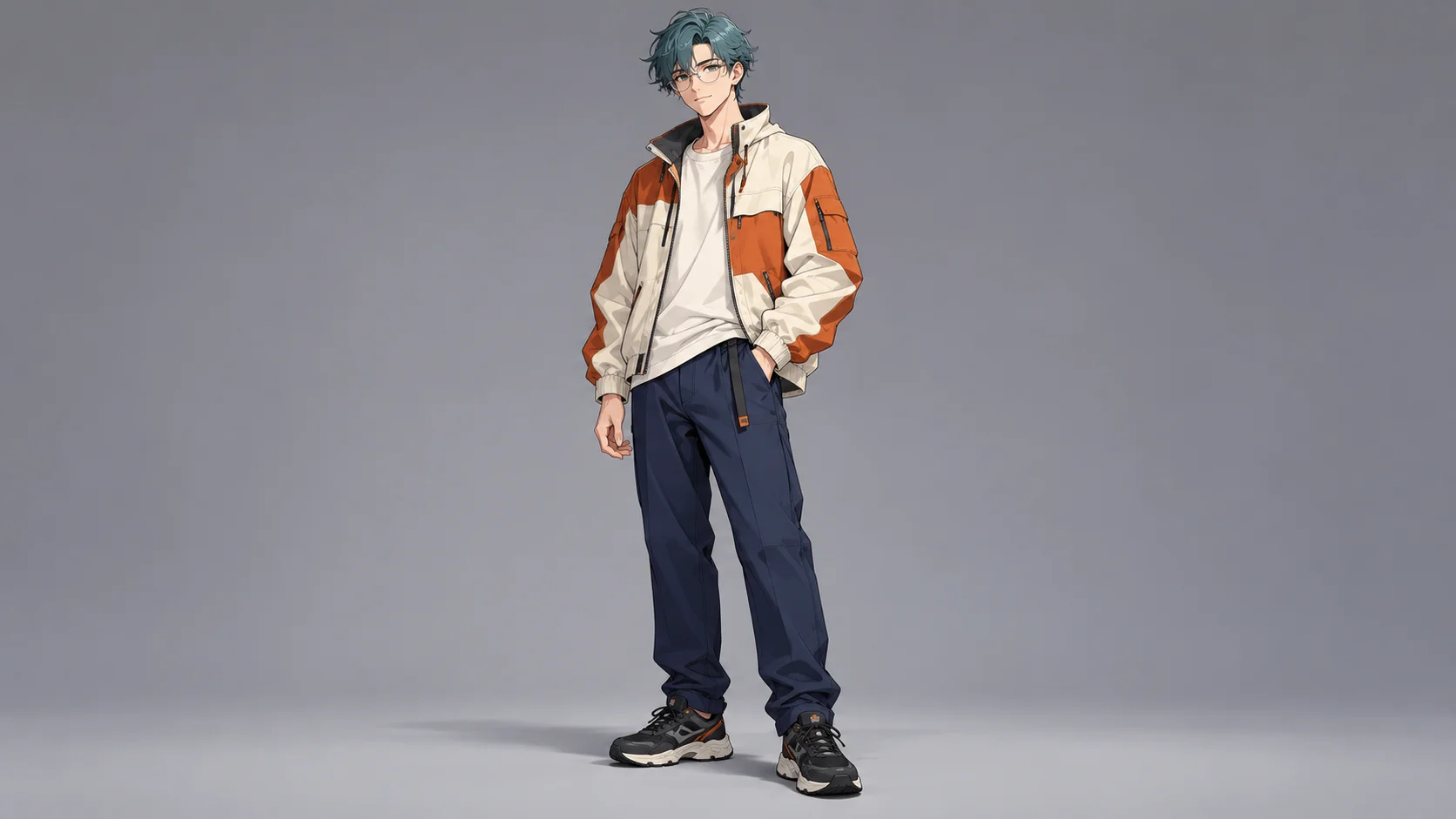
Bring an original anime character into a short concert performance. Talk Dirty Dance AI recasts the central lead using one appearance image and a prepared motion reference. Our teal-haired character wears an ivory-and-orange jacket, giving the face and silhouette a clear identity under stage lights. Choose a design you can recognize through movement, not only in a close-up.
The lead image supplies appearance, while the fixed video supplies the dance structure and surrounding action. This page starts at eight seconds and offers optional style notes. You do not need to animate the character yourself or upload a second performance clip. Preview the reference and the current task quote before creating.
Choose a clear finished design with a readable whole-body silhouette.
How to create your Talk Dirty Dance AI remake
1. Choose one finished character view
Use a clear single figure with a readable face, hairstyle and outfit. A full-body reference is useful when trousers and shoes are part of the design. Avoid a sketch sheet with several conflicting costumes or expressions in the same upload.
2. Check the identifying details
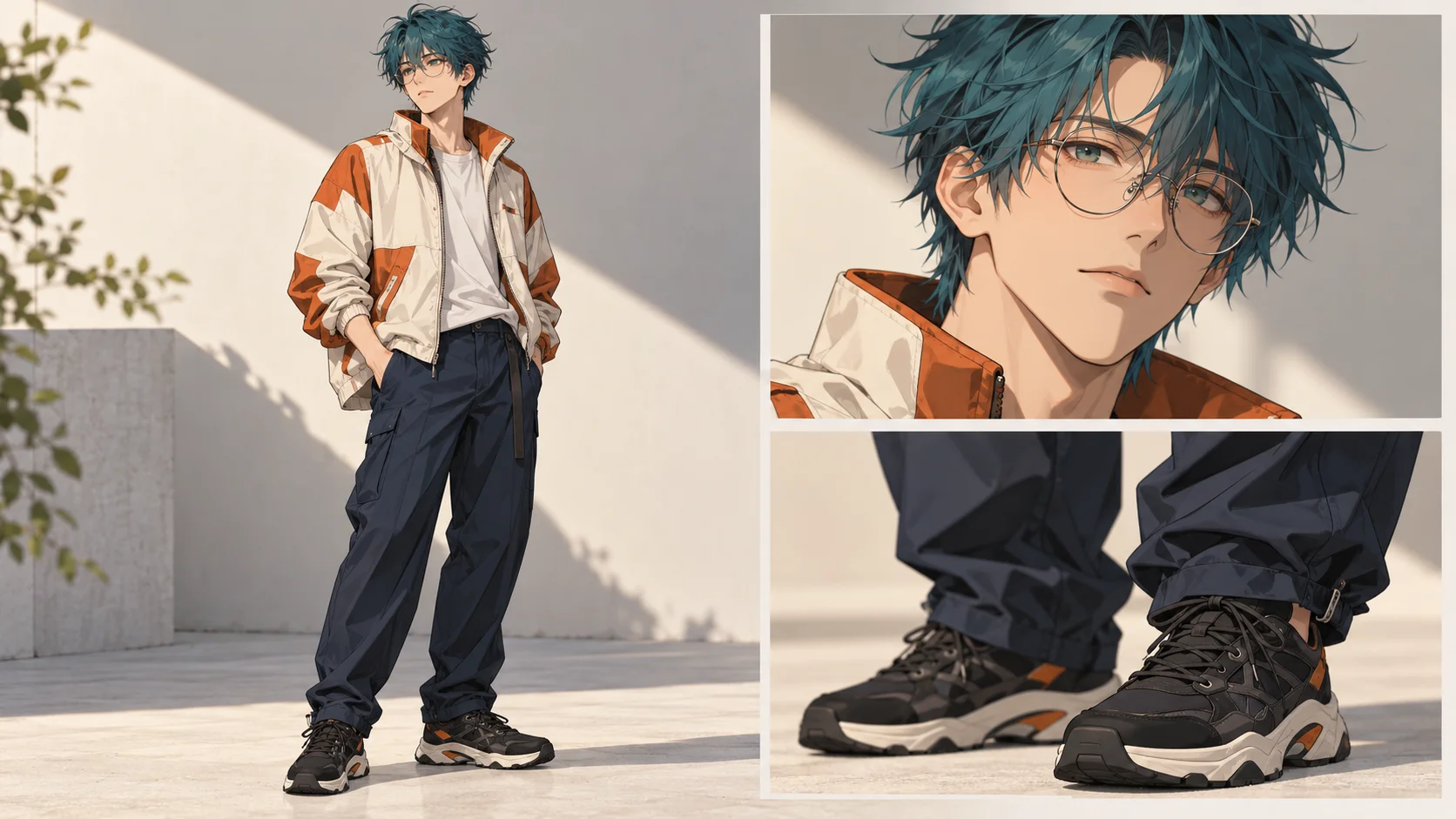
Inspect the glasses, hair shape and jacket panels at normal size. Keep the eyes visible through the lenses, and make sure dark clothing does not merge into the background. Strong major shapes give you better review points than tiny decorative marks.
3. Confirm the performance setup
Play the supplied reference and check whether the movement suits your character. Review the lead image, output settings and live credit estimate. Add a short compatible style note only if needed, then create with the prepared dance rather than describing a new routine.
4. Follow the character through the take
Open the completed video in History. Track the face, glasses and jacket through the movement and recovery. Inspect hands, shoe contact and overlaps with background dancers. Listen to the audio separately and choose the version with the clearest continuous identity.
Prepare a design that remains recognizable at a distance
Inspect the main identity cues before choosing one upload image.
The guide's teal hair, round glasses and orange jacket panels provide three appearance cues that work together. The face matters, but the stage view may show the full body rather than a large portrait. Choose a design whose silhouette and clothing colors are still recognizable when reduced. A character identified only by a tiny eye highlight or intricate sleeve lettering is harder to evaluate during a quick dance.
The selection board separates the full figure, face and footwear for inspection. For the actual upload, use one coherent character image. Multiple crops in a single board can suggest competing framing or duplicated subjects. Keep the hairstyle clear of the eyes, show enough of the jacket to explain its shape and leave room around the shoes instead of trimming them at the bottom edge.
Use a restrained style direction
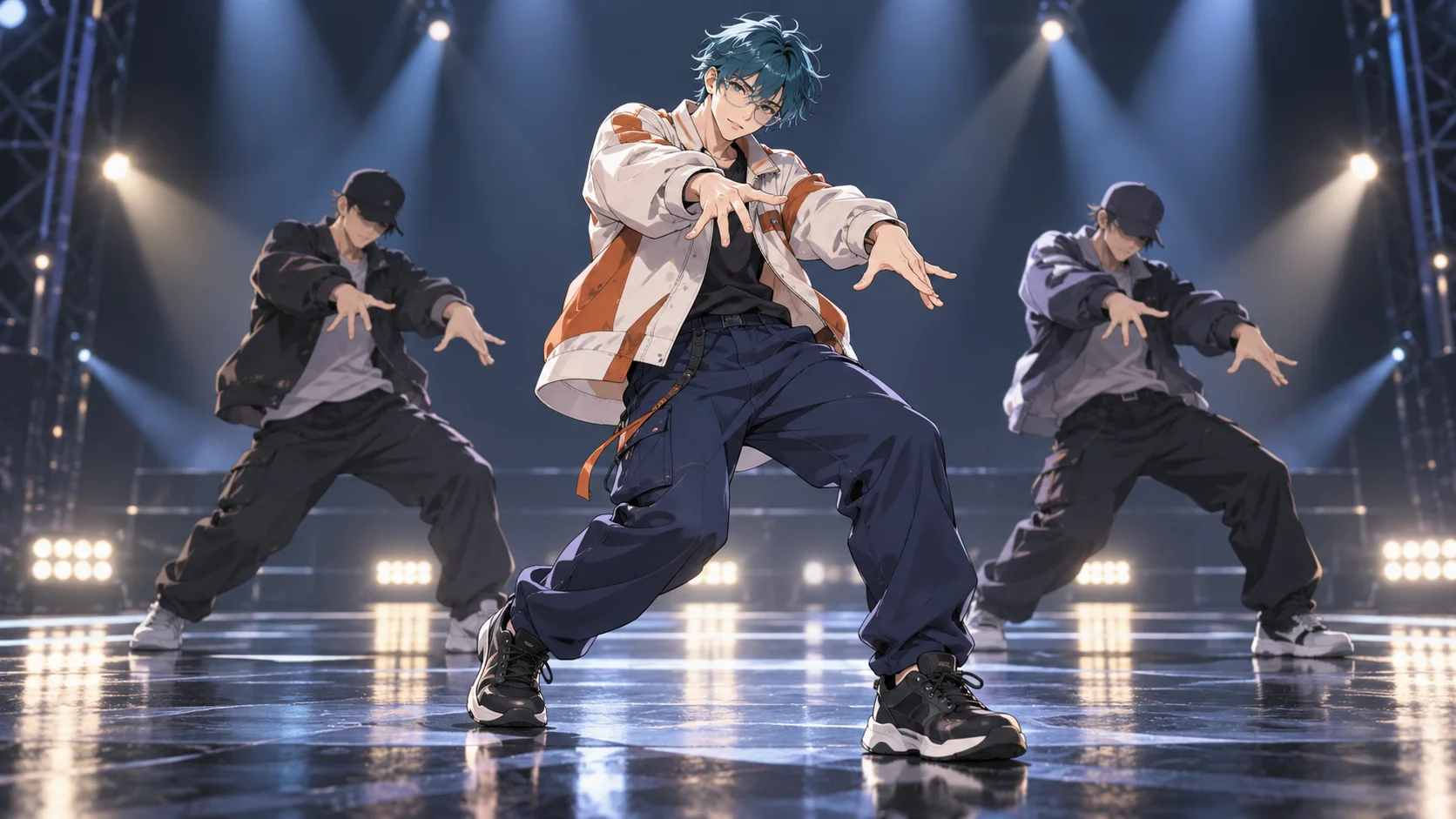
Concept artwork explores the character in a concert setting.
The stage concept carries the original character into a concert environment with two background performers. It is an illustrative idea, not a frame returned by the generator. The model may change shading, line weight or small costume details while interpreting the fixed performance. A concise note about preserving the character's main colors and silhouette can be more useful than a long list of unrelated visual effects.
The supplied video remains the guide for the broad action and camera. This page is not a tool for assigning a new move to each beat. If the source image and optional notes disagree about the costume or body shape, the result can become harder to judge. Keep the appearance reference authoritative and use text only to clarify a small number of compatible preferences.
Review the difficult middle of the movement
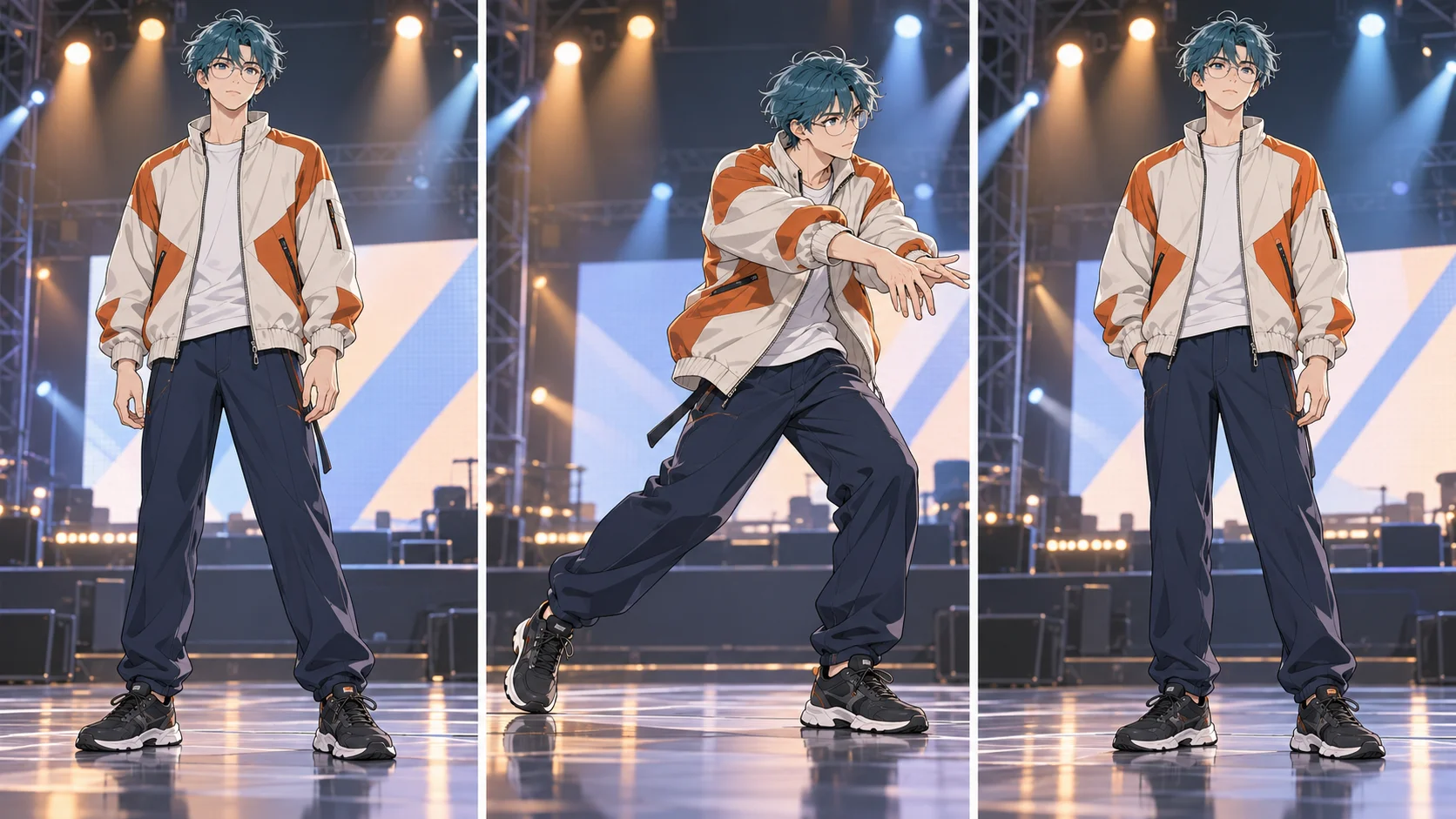
Check continuity through the strongest pose and recovery.
A clean opening portrait does not guarantee that the face stays stable during a turn or a broad arm gesture. The three-pose illustration suggests where to look: the ready stance, the strongest step and the recovery. Follow the glasses and hairline, then check the hands against the sleeves. Watch whether the jacket panels remain attached to the same garment as the body changes position.
Foot contact is another useful signal. Shoes should meet the floor coherently rather than sliding through it or changing shape without explanation. Play the clip at ordinary speed before inspecting individual frames, and try a small-screen preview if it is intended for a social post. Exact music and vocals are not guaranteed. Listen to the returned take and choose any specific soundtrack separately when editing your final piece.
Input, cost and result questions
Can I use my own anime character?
Yes. Supply one clear appearance image and review how the model interprets its proportions and style in the completed performance.
Should the source include the shoes?
Include them when footwear is important to the design. A full-body view gives more outfit information than a face-only crop.
Can I replace the backup dancers too?
This page targets the central lead appearance. The reference supplies the surrounding performance structure rather than separate cast controls.
Will the linework stay identical?
Exact linework and shading are not guaranteed. Review whether the main face, silhouette and costume remain recognizable throughout the actual video.
How do I know the task price?
Use the live quote after choosing inputs and output settings. Account eligibility and model policy apply; a free generation is not promised.
Is the music reproduced exactly?
No exact recording, voice or timing is guaranteed. Preview sound before sharing and handle a required soundtrack separately in an editor.